
Top FF Beta Testing Features to Try in the Latest Version 2026
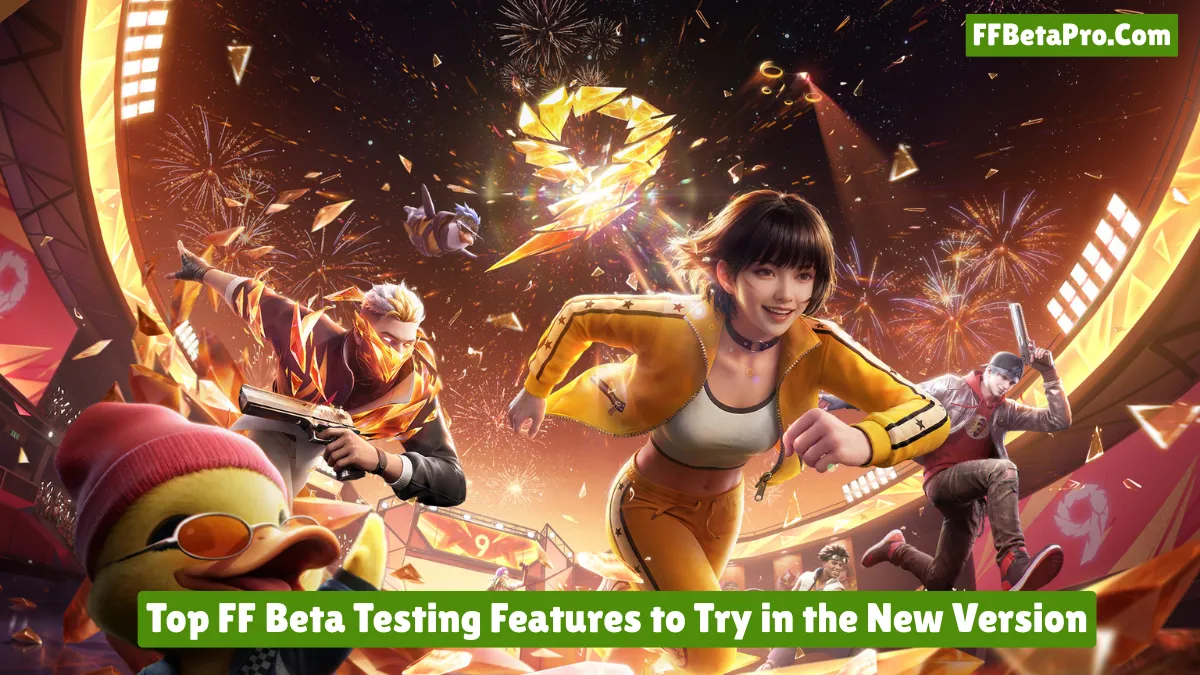
Have you ever opened your Free Fire or Free Fire Max game account and thought, “What’s new in the events section or what’s new coming in the next update?” If yes, FF Beta Testing is one of the best places to find all your answers before the new content reaches the regular game.
FF Beta Testing, one of the most popular third-party testing apps for Free Fire players, has become a favourite app for all players who love to know what’s new in the next OB updates before release and explore new changes. You can test new gameplay features, weapons, character adjustments, maps, events, and much more.
But there is one thing many players get wrong. The main purpose of FF Beta Testing is not only to test unreleased content. It is also about testing how those features actually work, finding bugs, and giving useful feedback to improve the game.
That is why in this article, I will cover the top FF Beta Testing features that will be worth trying in the latest OB54 version and will also explain what you should check while testing them.
What Makes FF Beta Different From Normal Free Fire?
The biggest difference between FF Beta and normal Free Fire is that the content is still being tested.
In normal Free Fire, which most players use to play in-game matches and unlock new cosmetics from the Luck Royale, everything has already passed through development and testing so that all users can enjoy the battle royale game smoothly.
But on the other hand, FF Beta is used for testing purposes where developers try new experiments, add new content, and much more. It can be accessed by players to check what’s new in the update before release.
This means you will explore content that can be unfinished, under development, have unusual animations, balance problems, temporary bugs, or features that will be fixed by the developers to offer a smooth experience on low-end and high-end mobile devices, PCs, and tablets.
That is why we recommend that you don’t judge every feature as the final feature of the Free Fire game.
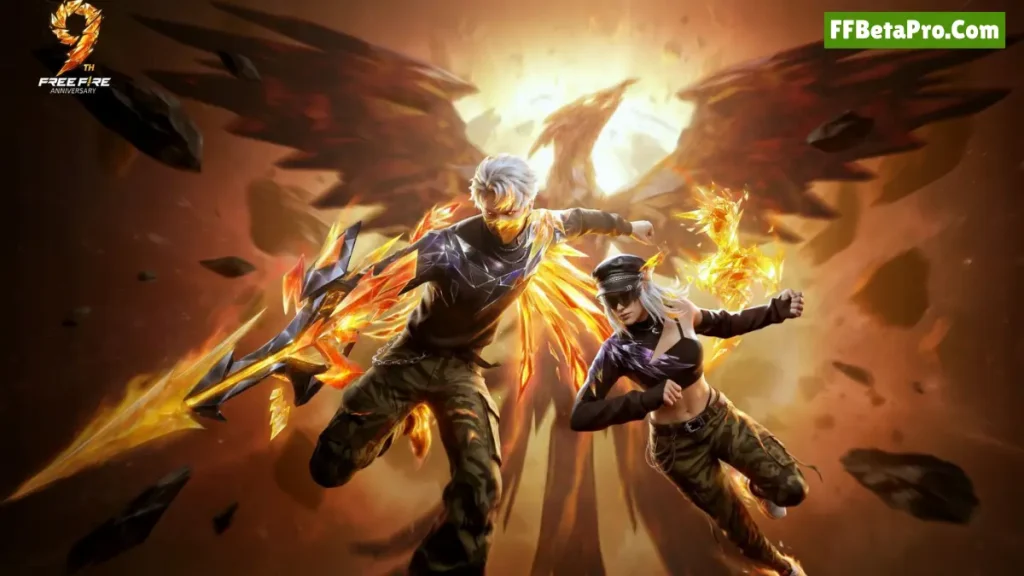
1 – Explore the New Social Experience First
One of the most interesting directions of the recent Free Fire updates is the focus on making the game more social.
Instead of spending all your time on battlegrounds playing matches and pushing rank, newer social features can give you a lot to explore with your friends before going to the matches. This way, you can improve your Free Fire and FF Beta game experience.
As we know, whenever a new update comes, Garena introduces a new lobby with amazing background scenarios that you can’t miss checking. That is why once you find it in the new FF Beta version, don’t just walk around it for a few seconds.
Try different interactions and check:
- How smoothly the area works on your device
- Whether friends can interact properly
- If any objects or activities cause glitches
- How quickly the area loads
- Whether movement feels different from the normal lobby
This type of testing in Free Fire Beta will give you more knowledge to find bugs and report them so that they can be fixed before being globally launched for all players.
Also Read: How to Update FF Beta to the Latest Version [Easy Guide]
2 – Put New Weapons Through a Real Test
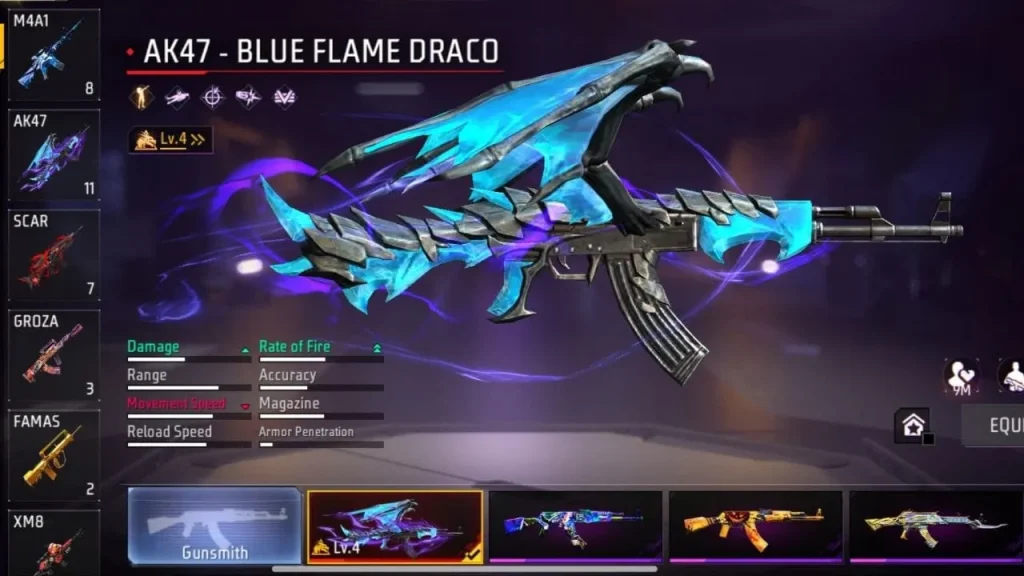
New weapons are the first thing that most players are going to use in the FF Beta Testing new version app.
But you don’t have to equip them and simply shoot on the training ground or battlegrounds to check them, because this will not give you a proper understanding.
To know properly, you have to take the weapons through different scenarios and also check them with already-used weapons. Check their damage, reload time, range, movement, accuracy, and overall handling.
For close-range weapons, especially shotguns, test them while:
- Jumping
- Moving sideways
- Using gloo walls
- Switching weapons quickly
- Fighting at different distances
This will tell you much more than simply checking the weapon’s basic statistics in the FF Beta game.
A Small Testing Trick Most Players Ignore
There are thousands of players available in the Free Fire game and also in FF Beta who actually don’t know the testing tricks of the weapons. To know them, take a look below:
In the beginning, you have to use new weapons with your usual character and skill combination to play in-game matches.
The weapons that feel average on their own can become much stronger when combined with a particular ability or playstyle of the players. That is why don’t forget this trick to implement while testing in the latest version of the Free Fire Beta app.
3 – Check Character Changes Before Changing Your Main
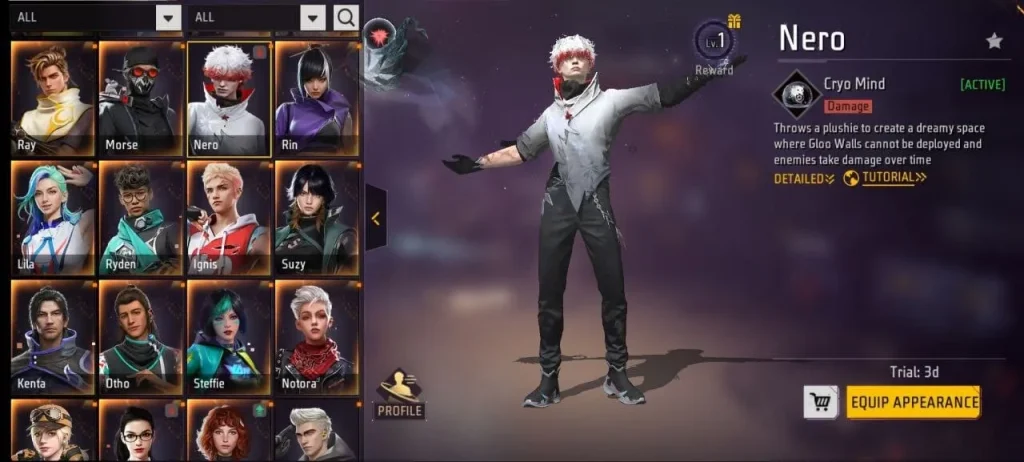
Each new Free Fire update comes with new characters combined with amazing abilities, which is why most players unlock them in their accounts.
But you don’t have to be in a hurry, because most players equip new characters instead of older ones without checking. At this point, you are totally wrong.
First of all, you have to check the new characters, their abilities, and also compare them with your current one, and think: Is it better? Can it improve my gameplay?
Once you find the answers to all your questions, then equip the character to play in-game matches, because each character comes with different abilities that can affect your gameplay also. That is why going through this process is a must while using the FF Beta Testing app for checking new features early.
Also, don’t forget to play a few matches in Classic and Clash Squad ranked and compare the old and new behaviour of the characters.
Pay attention to:
- Ability activation time
- Duration
- Cooldown
- Effective range
- Damage or defensive effect
- Interaction with other abilities
The most important part is to check whether your gameplay improves or not after using this. But decide only after playing at least 3 to 5 matches.
4 – Experiment With New Skill Customization
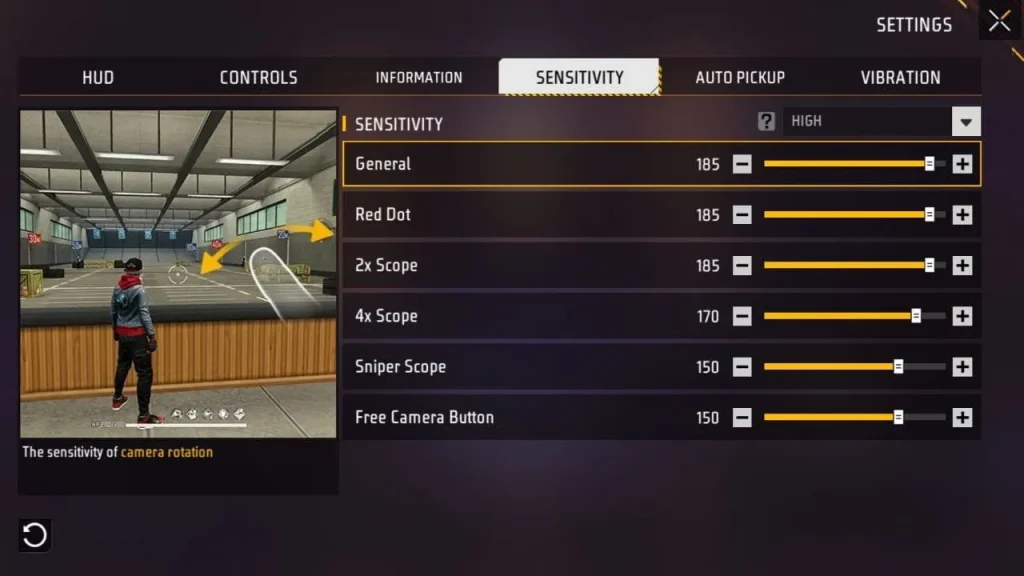
As we know, FF Beta comes with very little customization because it is a testing version, and players can face bugs while exploring new changes and playing in-game matches on the battlegrounds.
But if you love trying customization, then start with a custom HUD and sensitivity settings, and then move to other parts gradually. This way, you can learn more.
However, the interesting part of customization and skill combinations is that different players can make the same character differently after equipping other characters’ 3 skills with their current one.
That is why customization is a must in a game like Garena Free Fire battle royale, and you can get a sneak peek with the help of FF Beta.
5 – Test Weapon Awakening or Upgrade Mechanics
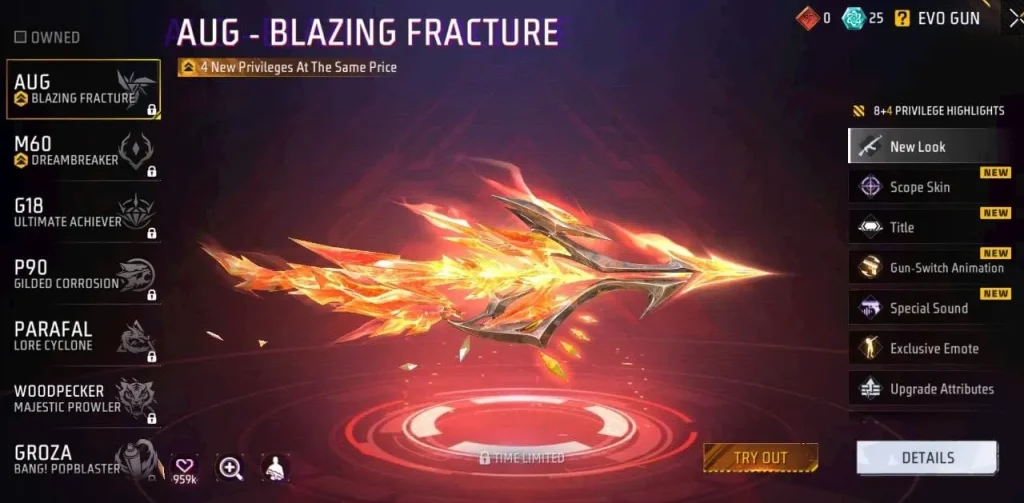
Weapon upgrades can make them stronger by giving more damage, loading faster, and having less recoil. But it takes time to collect tokens and upgrade them in the game.
But if you have enough tokens in the FF Beta Testing that you have collected after playing matches, then don’t forget to use them to upgrade your new weapons. Use them in small amounts to go step-by-step and experience each level of the weapons and understand what’s new in this compared to the previous level.
This way, you can understand the weapons more, and it will help you use them more amazingly on the battlegrounds to eliminate players and get the coveted Booyah.
Also Read: Is FF Beta Safe to Download? Everything You Need to Know
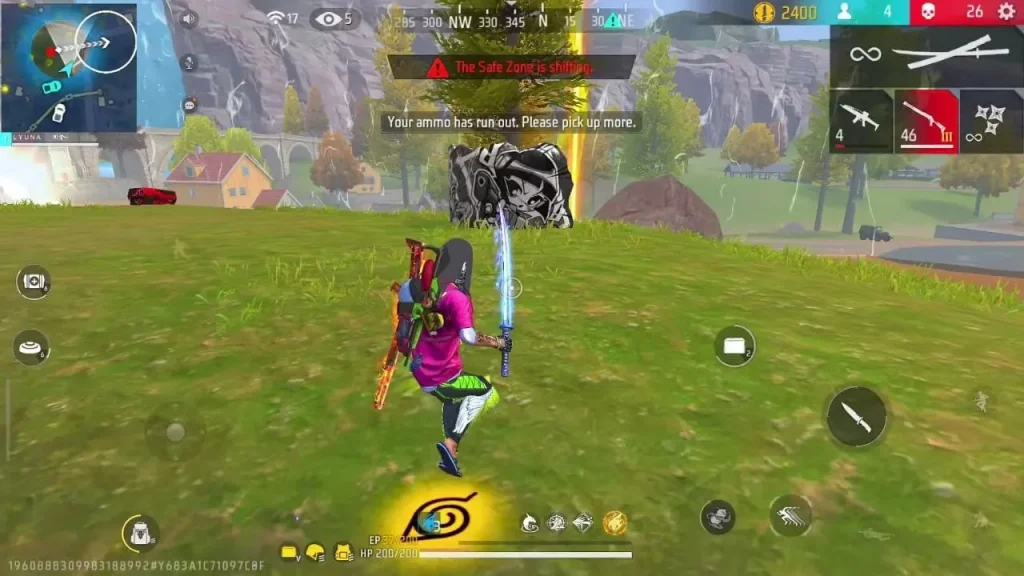
6 – Revisit Changed Map Areas
Most Free Fire or Free Fire Max players spend their time on the maps while playing battlegrounds matches. That is why map changes can completely change the way a match feels.
A small building change can create a new camping position. A different road can change vehicle rotations. A new area can become a popular landing location for loot and much more.
That is why whenever you get access to the new FF Beta, spend more time exploring new changes to the maps to know everything before the global launch.
Look For:
- New buildings
- Changed structures
- Different cover positions
- New loot areas
- Rotation routes
- Unexpected hiding spots
- New close-range fight locations
This will give you a clear understanding of where to land for higher loot and make your gameplay more interesting.
Why This Matters
Many players only notice map changes after the update is introduced for the main game.
FF Beta testers have an advantage because they can learn the new locations earlier and understand how fights may develop there.
7 – Test the New Features on Different Settings
Here is another part that is often missing from FF Beta guides. Test features using different graphics and performance settings to understand more.
A new feature that’s introduced in the new updates of Free Fire Beta Testing can work differently on high-end mobile devices compared to low-end mobile devices by causing lag or mobile heating issues.
So always test FF Beta on different graphics settings like Smooth, Standard, Ultra, or Max to understand:
- Loading time
- Frame drops
- Heating
- Sudden freezes
- Animation glitches
- Texture problems
- Audio issues
To do this, you don’t need expensive devices to check. Sometimes, you can check everything on mid-range or low-end mobile devices.
8 – Look for Bugs Instead of Only Looking for New Content
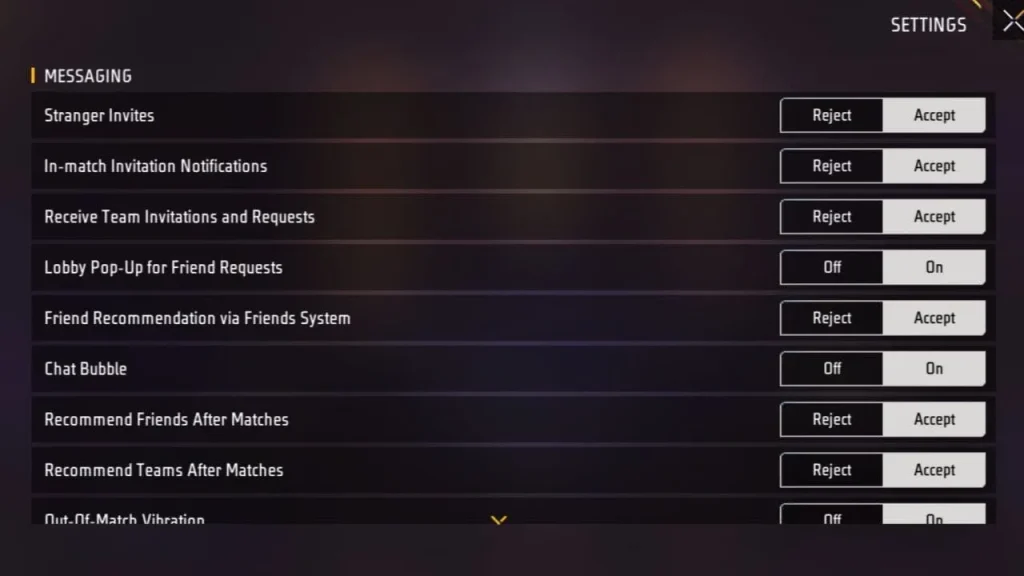
This is another most important part that’s missing from most Free Fire players’ experience after entering the FF Beta app.
When you enter FF Beta, don’t think only about “What is new?”
Also think:
“What is not working correctly?”
Try unusual actions. Try to switch between all menus quickly. Switch weapons during animations. Use abilities near objects. Enter and leave different areas. Test interactions with teammates.
If you notice unusual behaviour at some point, try repeating the same action to see whether the problem happens again or not.
This way, you can easily find bugs in the FF Beta and can help to make the final version more amazing for all players.
9 – Compare Beta Gameplay With Your Normal Version
This is one of the easiest ways to find new changes in the FF Beta.
Before testing a feature, remember how it works in the normal Free Fire version. Then compare it with the beta version.
You can compare:
Old version → New beta version
- Weapon handling
- Character abilities
- Movement
- Damage
- UI
- Match flow
- Loading
- Map layouts
This makes it easier for you to understand whether a new change is really useful for you or only looks visually different.
Also Read: FF Beta vs Free Fire: What’s the Real Difference?
Which Free Fire Beta Features Should You Test First?
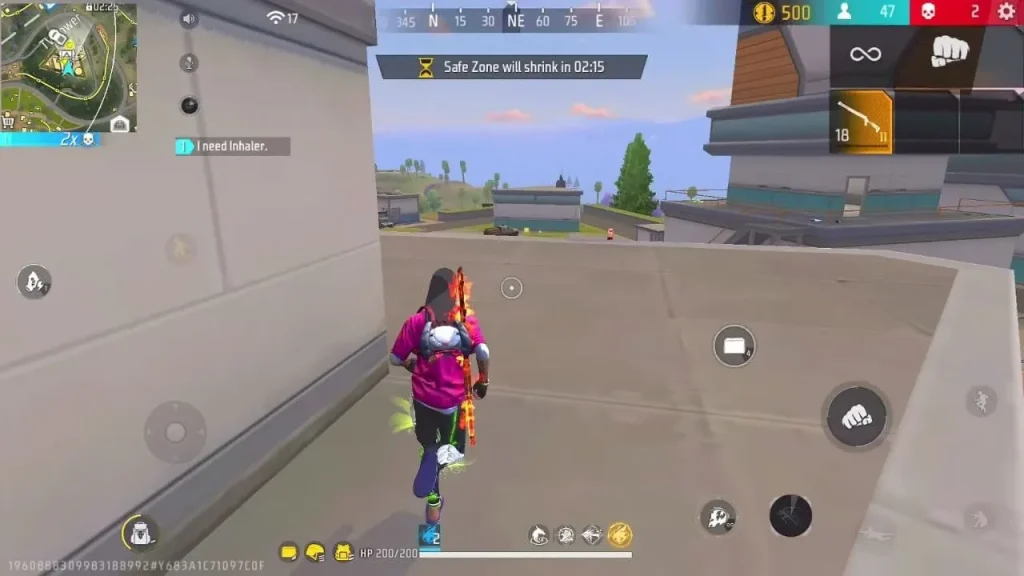
If you love to play Free Fire battle royale game more and also want to use FF Beta Testing, then try its features in the order below. This way, you can test more amazingly.
We recommend this order after testing more than 5 new updates using the Free Fire Beta app:
- Major gameplay changes
- New weapons
- Character and skill changes
- Map changes
- New social features
- UI and smaller improvements
- Performance and bug testing
This gives you a better idea of how the new version could affect actual matches.
Do FF Beta Features Always Come to the Main Game?
No.
This is the part where most Free Fire players can agree with each other.
The features that appear in the FF Beta Testing are not guaranteed to also come to the main Free Fire game. They can be changed, balanced, delayed, or removed before the public release.
That is why don’t assume each new OB update feature of FF Beta is part of the final update for normal Free Fire. It can be delayed or changed also.
Just take it as a testing version where you can explore new updates early.
Is FF Beta Safe to Use?
The latest version of the FF Beta Testing is totally safe and has already been tested on the VirusTotal website before sharing here for downloading, and we didn’t find anything wrong in its APKs.
However, you can also try Free Fire Advance Server to check the real differences between FF Beta and FF Advance Server.
Also, we recommend that you never give your Free Fire account password or other sensitive login information to an unknown website just because it promises beta access.
Also remember that beta versions can contain bugs, unfinished content, or you can face sudden crashes while playing in-game matches. It is normal in Free Fire Beta Testing.
What Is the Best Way to Test Free Fire Beta?
As we know, once players get access to the new FF Beta app, they start exploring it like a normal Free Fire game. But you don’t have to do this.
Instead of doing this, become a good tester for a while and help to improve the overall game before it is globally launched.
That is why try new weapons even if they’re not your favourite guns. Use different characters. Visit unfamiliar map areas for loot and exploration. Change settings to test on new maps. Compare new FF Beta with normal Free Fire.
This will give you a clear understanding of the new updates before release.
Final Thoughts
FF Beta Testing is really an interesting app through which you can know what’s new coming in the next major updates before release. But the real value comes from testing those features properly instead of simply checking them for a few minutes.
From new weapons and character adjustments to skill customization, weapon upgrades, map changes, and social features, there can be more to explore in a beta version that will definitely excite your gameplay also.
That is why my biggest recommendation is simple: play like a player, but test like a developer. Try to understand what a new feature for upcoming updates is, where it works well, where it creates problems, and whether it actually improves the game.
And don’t forget that FF Beta Testing content is not final. It can be further improved before the global release. So, try the FF Beta Testing new version to explore new updates early and don’t forget to give your feedback.
![How to Update FF Beta to the Latest Version [Easy Guide 2026]](https://ffbetapro.com/wp-content/uploads/2026/07/update-ff-beta-guide-768x432.webp)